Compare parental control apps.

Compare column 1
Compare column 2
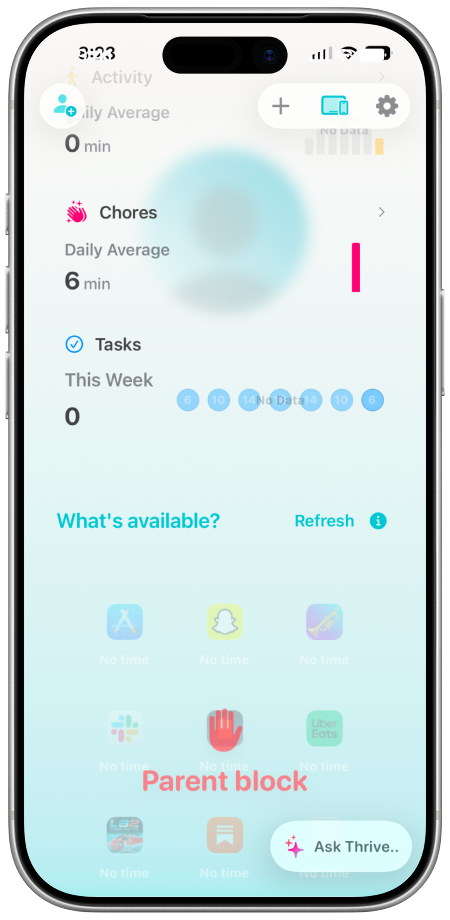
iPhone running the Thrive Smarter Screen Time app

Price

*Typical published pricing. Tiers and features change, so check each app before you buy.

Free

Free to set up and connect. Optional upgrade $9.99/mo for more kids and activities.

Perfect for parents who

Want kids to earn screen time and build real habits.
Source: Thrive Smarter Screen Time
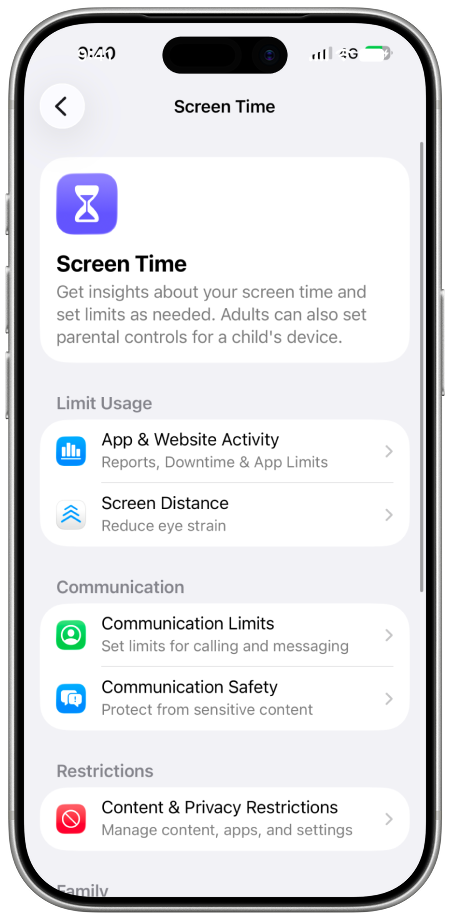
iPhone showing Apple Screen Time settings

Price

*Typical published pricing. Tiers and features change, so check each app before you buy.

Free

Included on every iPhone through Family Sharing.

Perfect for parents who

Want the free built-in tools and no extra apps.

Setup & feel

Connection simplicity icon

Connection simplicity

How painless it is to connect a child's device.

9 / 10

Scan a code, five minutes

5 / 10

Buried in Settings menus

Setup method icon

Setup method

What it actually takes to get running.

Scan a code

QR link, no profile

Settings maze

Family Sharing, buried menus

No account needed icon

No account needed

Whether setup forces a login before you can start.

Value-first, no login

Apple ID

Family Sharing account required

Demo / trial

Whether you can try it before signing up or paying.

No-signup demo

Free tier and trial, no login

Free forever

Free, but needs Apple ID

Simplicity of use icon

Simplicity of use

Day to day, how easy it is for a parent to run.

9 / 10

Kids self-serve earning

5 / 10

Buried; settings won't stick

Visual design icon

Visual design

How modern and clear the app looks in the iOS 26 era.

9 / 10

Modern, iOS 26-era cards

6 / 10

Native but dense grey lists

Trust

Reliability icon

Reliability

How consistently limits and blocks actually hold.

8 / 10

On-device, hardened enforcement

4 / 10

Kids bypass; limits vanish

Observability icon

Observability

How clearly you can see what is really happening.

8 / 10

Clear live status, balances

6 / 10

Aggregate summaries only

Data privacy icon

Data privacy

How much of your family's data leaves the device.

9 / 10

Mostly stays on-device

9 / 10

On-device, no vendor cloud

Child privacy

Whether it spies on your kid's messages and movements.

10 / 10

No message or location spying

8 / 10

Never reads your content

What parents say icon

What parents say

An illustrative paraphrase of common review themes.

Loved

Great earn model, thin base

Mixed

Free but buggy, bypassed

What it does

Rewards icon

Rewards / earning

Can kids earn screen time back?

Repeating

Earn time back repeatedly

None

One-off manual grants only

Social media icon

Social media controls

Limits on social apps and feeds.

Hourly + smart

Rolling hourly caps, presets

Daily timer

Blunt daily app limit

Wind-down icon

Wind-down / sleep

A calm ramp before downtime.

Wind-down ramp

Calm window before downtime

Hard cutoff

Downtime schedule only

Messaging icon

Messaging controls

Control over texts and chat apps.

Time-limited

Caps chat apps privately

Contact limits

Communication limits, group loopholes

Web filter icon

Web filter

Blocking unsafe or adult sites.

Built in

Adult and tracking filter

Built in

Content restrictions, on-device

Location modes

Different settings for home, school and out.

Distinct modes

Rules adapt by place, privately

Find My

Basic locate, separate feature

Live Activities

Glanceable status on the lock screen.

Lock-screen live status

None

No live activity

Prices and product details were checked on July 12, 2026. Retailers, carriers, and regional availability can change, so please check the latest pricing yourself before buying.

This is an editorial comparison, not a lab test. Ratings are our informed opinion of the tradeoffs parents care about.

Review quotes are illustrative paraphrases of common review themes, not verbatim customer quotes. Pricing and features change, so use each app's own site before you buy.

Source notes

Pricing and features shift often, so the links below are the trail to each product rather than a claim about today's exact number.

Start free

Kids earn their time. You skip the surveillance.

Ratings reflect Thrive's editorial view as of July 2026.

Just a Phone, Thrive's lock-it-down setup, is a phone choice rather than an add-on app, so it lives on the kids phone options page.

See how Thrive works